Enscape compatibility
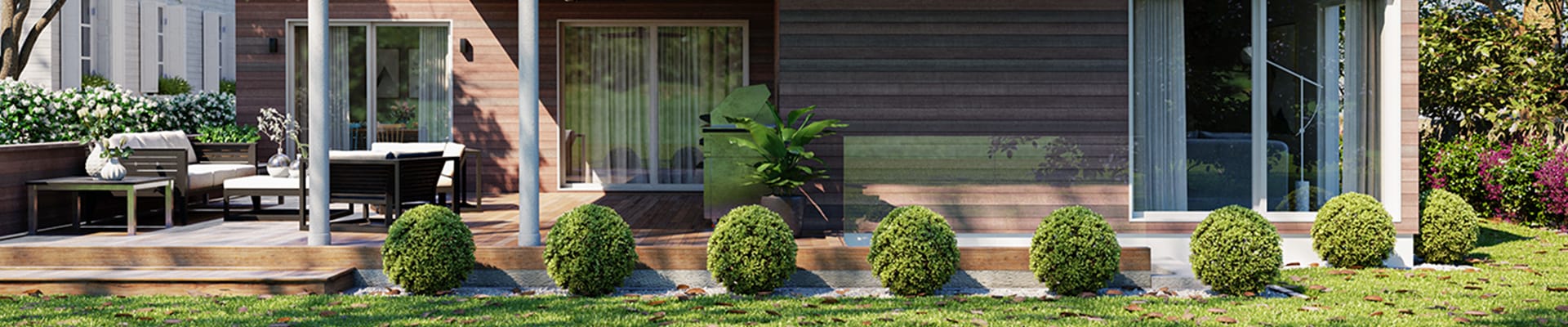
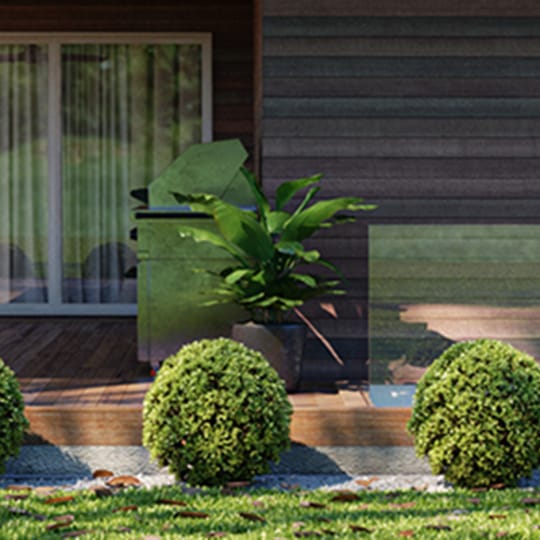
Transfer your real-time scenes from Enscape and promote them to the highest level of photorealism. V-Ray supports Enscape materials, material keywords, light sources and compatible assets.

Transfer your real-time scenes from Enscape and promote them to the highest level of photorealism. V-Ray supports Enscape materials, material keywords, light sources and compatible assets.
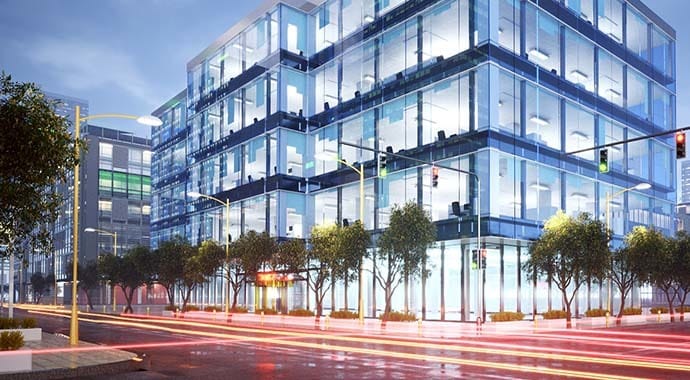
V-Ray comes with two powerful rendering engines. You can choose between super fast GPU and CPU or Hybrid rendering to best suit your project needs and requirements.
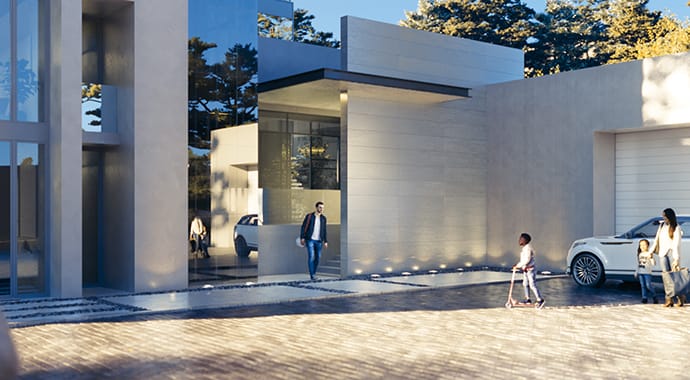
Our integrated asset library, Chaos Cosmos, enables you to search and add render-ready models, materials, and HDRI skies to your scene directly from the V-Ray toolbar. Cosmos assets have automatic level-of-detail, accurate scale, and can be used across 3ds Max, Cinema 4D, Rhino, SketchUp, and Revit.
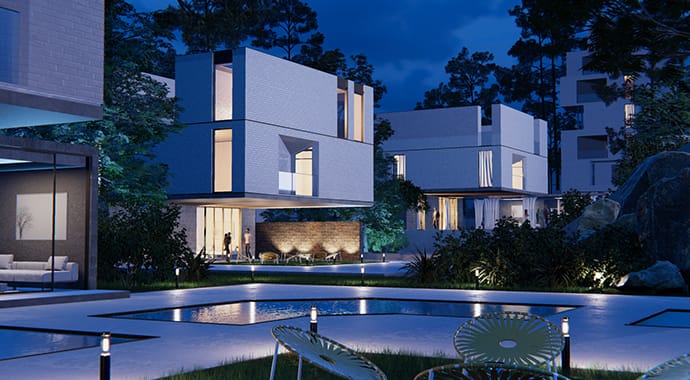
Enhance your V-Ray renders with stunning animations, realistic traffic, and dynamic crowds with Chaos Envision in real-time. It’s a fast, immersive real-time visualization environment that keeps your creative process fluid and helps you bring every design to life as you work.
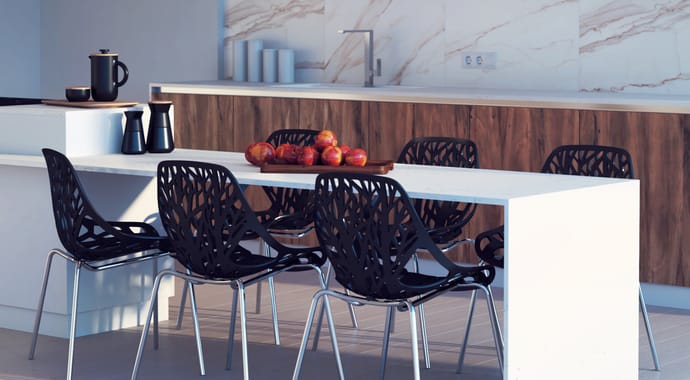
Remove noise and dramatically cut the render times. Use the V-Ray Denoiser to denoise each render element in post-production. The NVIDIA AI Denoiser and Intel Open Image Denoise deliver instant noise-free feedback in V-Ray IPR.
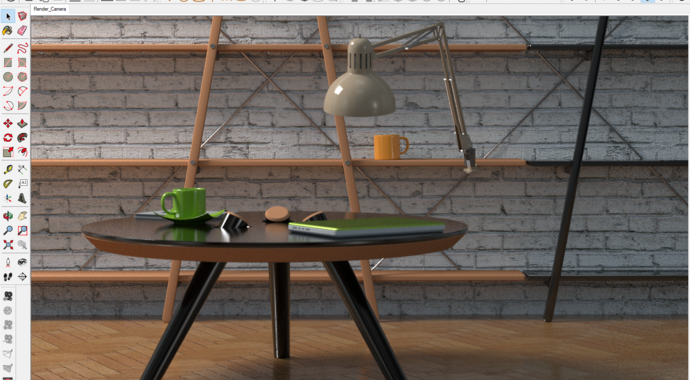
Render interactively while you design. Fine-tune lights and materials and see the results right away. View the render result directly in the SketchUp viewport.
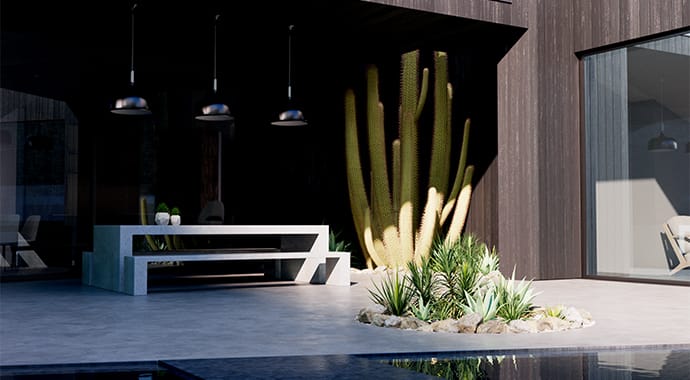
Stop your production renders and continue right where you left off without starting over.
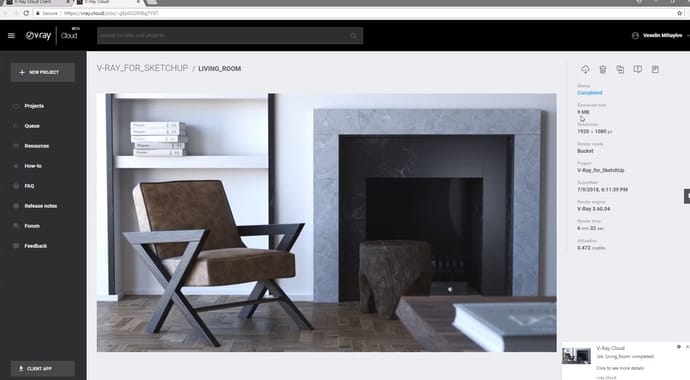
Rendering on the Cloud is just one click away.
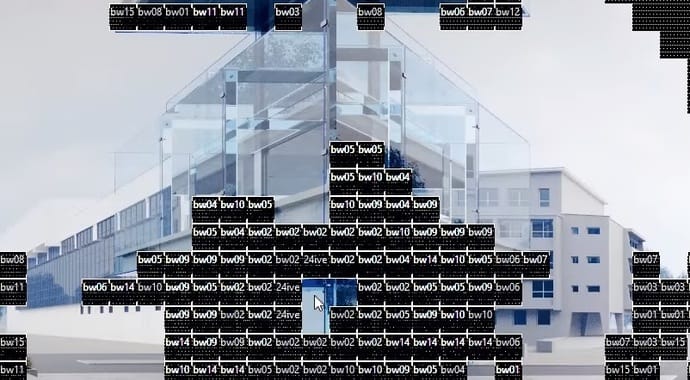
Powerful and scalable distributed rendering system that's simple and fast. Get an extra speed boost with V-Ray Render nodes.
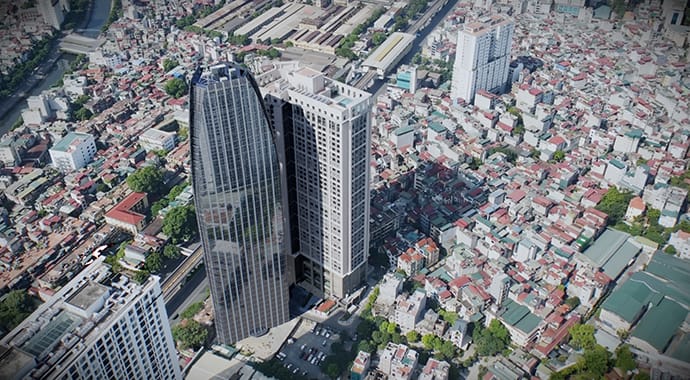
Create 3D environments faster than ever. Easily incorporate and render captures of complex 3D environments and objects.
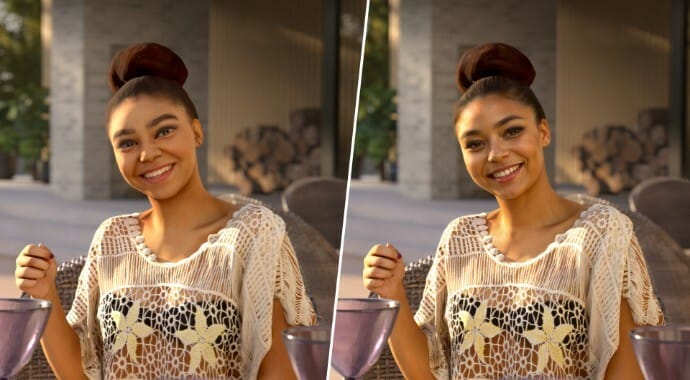
The AI Enhancer elevates realism, texture, and detail in supporting elements—like foliage, people, or terrain—without altering your core design.
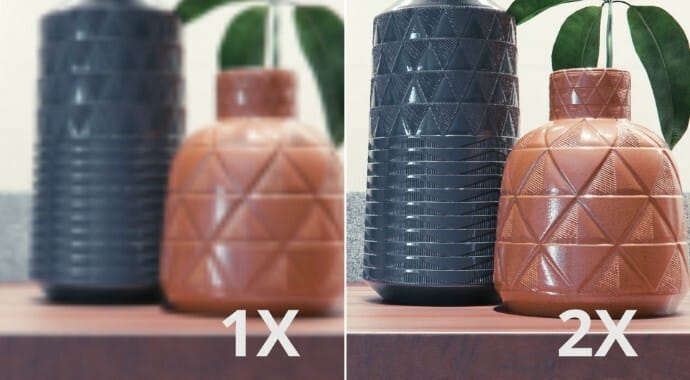
The AI Upscaler enables one-click 2x /4x enlargement of render outputs inside Chaos tools, saving hours of rendering time while still getting crisp, photoreal results.
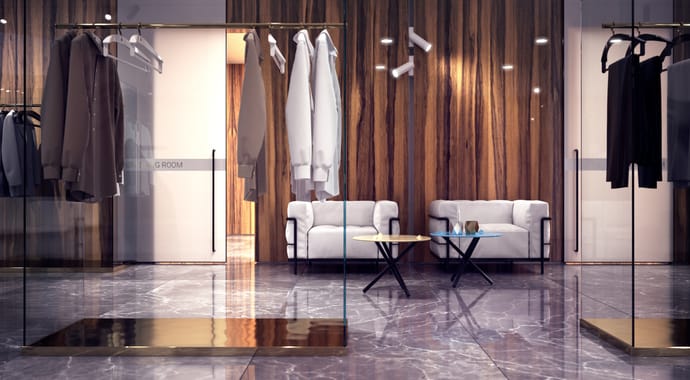
Create, edit and manage all of your assets including lights, materials, textures, geometry and render elements all in one place. All assets are structured in an intuitive folder structure.
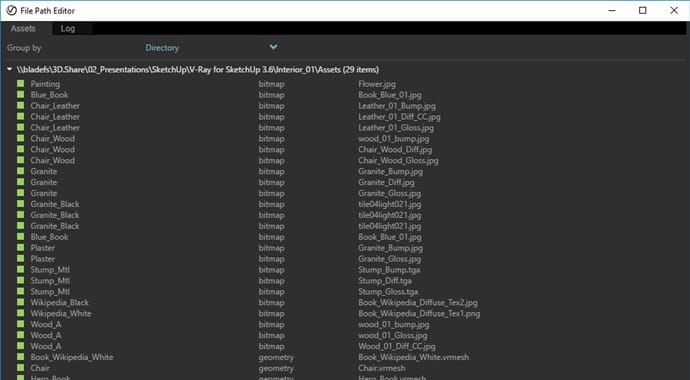
Manage all of your scene files in one place. Set file paths, create scene archives, and keep track of assets like textures, IES files, and proxy objects.
Get rapid, consolidated feedback on your work’s progress. Upload your renders to Chaos Cloud Collaboration right from V-Ray’s Frame Buffer, and share your work with clients, team members, and other stakeholders for easy review, markup, and comments at any time.
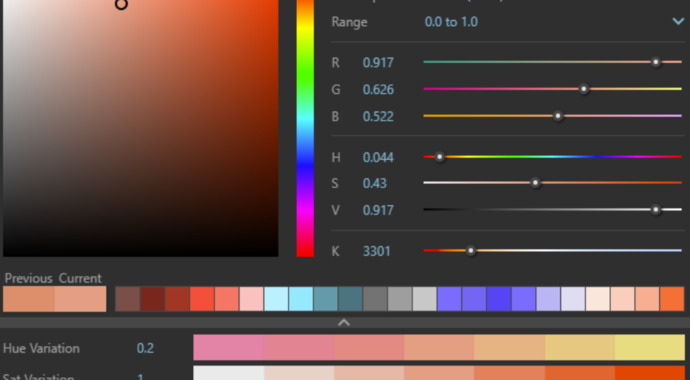
A powerful color-picker allowing you to choose the exact color you need with the right hue and saturation. Provides RGB color values and a Kelvin temperature slider corresponding to every color slot.
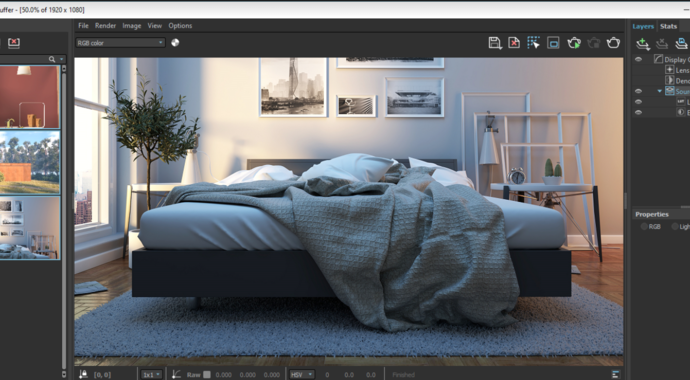
Track render history and fine-tune color, exposure, render elements and more, directly in V-Ray’s frame buffer.
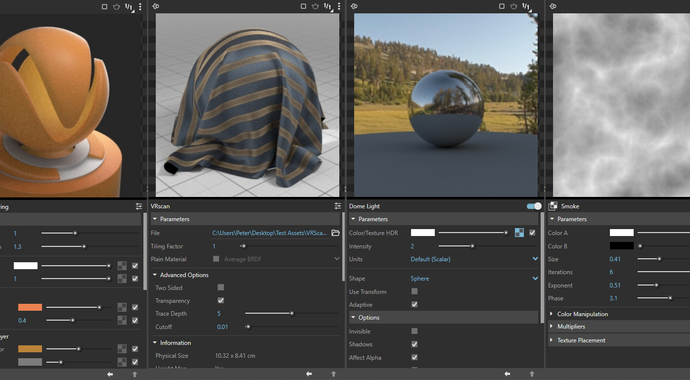
Preview your materials, lights, textures and render elements in a single viewer. Observe how parameter changes affect the appearance of the asset in a specific isolated setting.
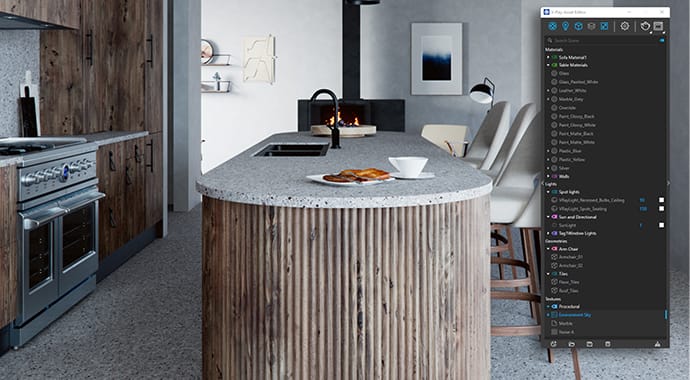
Group assets using the new tags system in the Asset Editor to improve scene organization in complex projects.

Experiment with different looks for your renders using the new built-in color correction filters in the VFB. You can also easily customize these presets to perfectly match your creative vision.
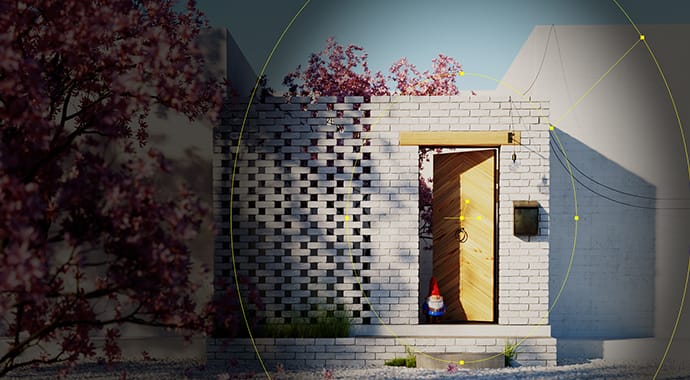
Add a vignette camera effect to your renders using the new, versatile Vignette Layer in the VFB. Adjust its shape and apply it to any render element for finely tuned, custom results.
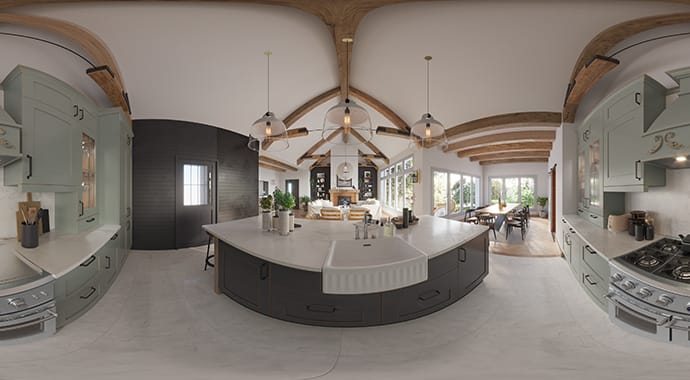
Clearly communicate your design concept and effectively showcase your spaces. Allow clients to explore your designs through the Chaos Cloud virtual tours, using highlights to direct their attention to key focal points.
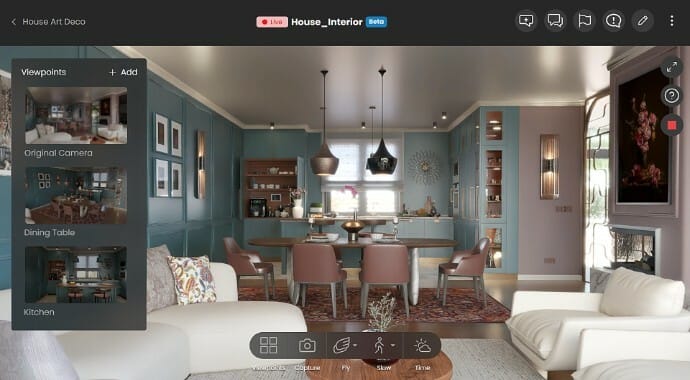
With Chaos Cloud 3D Streaming, clients and colleagues can explore your scenes remotely—just upload, share a URL, and get feedback - no extra software or skills required.
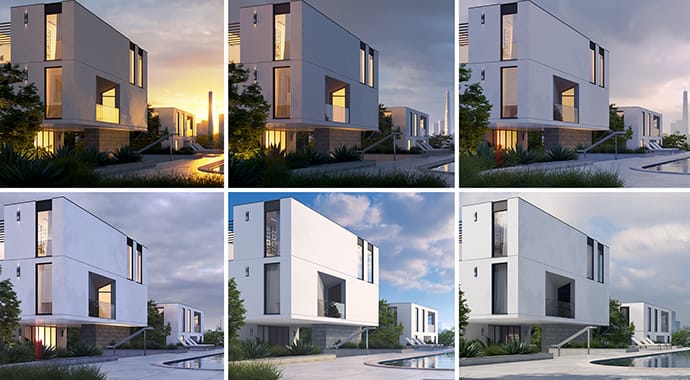
Light Gen is a new V-Ray tool that automatically generates thumbnails of your SketchUp scene each one presenting a unique lighting scenario. Choose your favorite look and you’re ready to render.

Easily fine-tune any light source in your scene after you’re done rendering. Group them, adjust their brightness, color, and light materials, and create your best presentation.
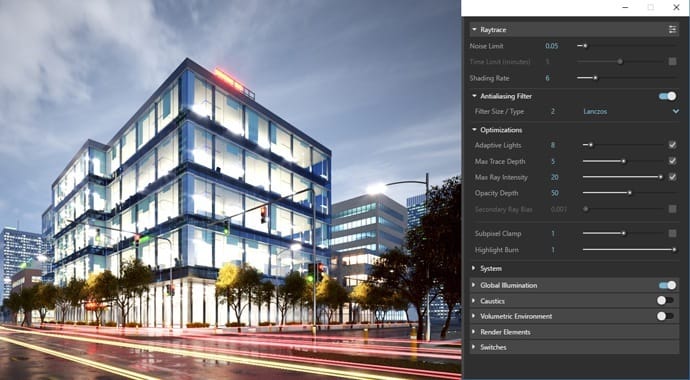
Faster, cleaner and more accurate rendering in scenes containing many lights and image-based environment lighting.
 © Javier Weinstein
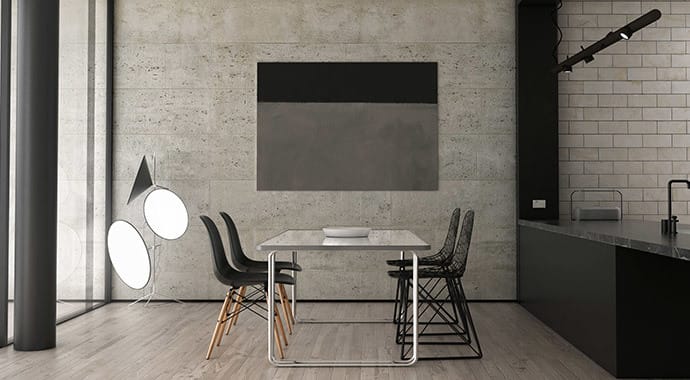
Render photorealistic rooms and interiors with powerful and fast global illumination.
 © Piotr Zielinski
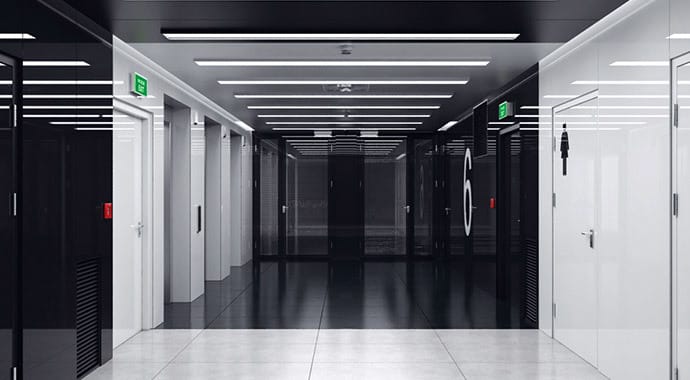
Render any type of natural, artificial, or image-based lighting with a wide range of built-in light types.
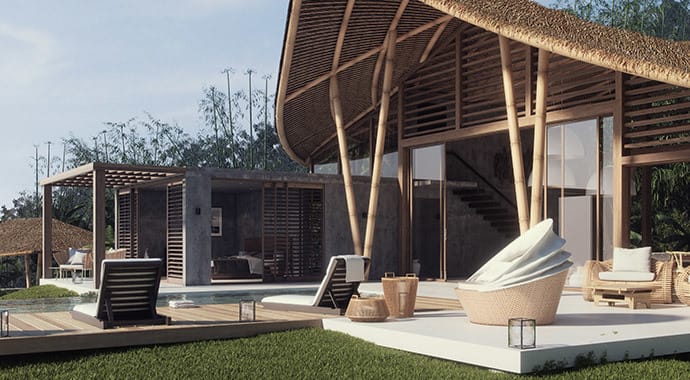 © LAB Visualizacion
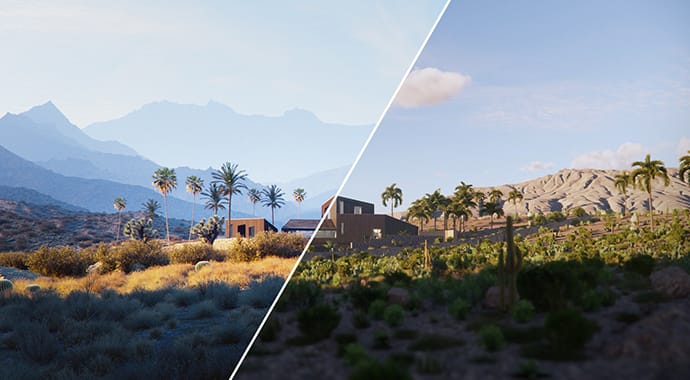
Simulate realistic daylight, sunrise and sunset, even as the sun dips below the horizon, for any time and location. SketchUp sun animation is supported.
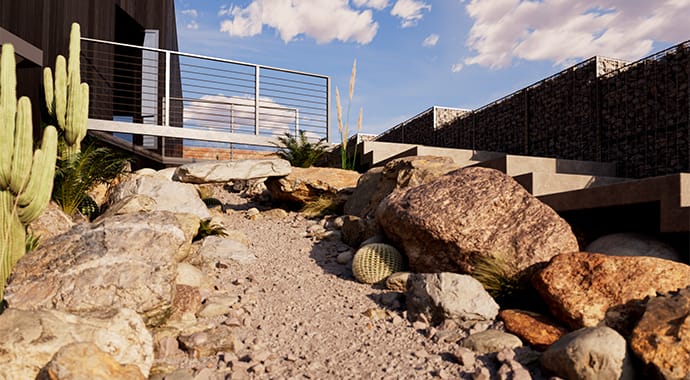
Add procedural clouds to your V-Ray sky and animate them with a flexible and memory-efficient system.
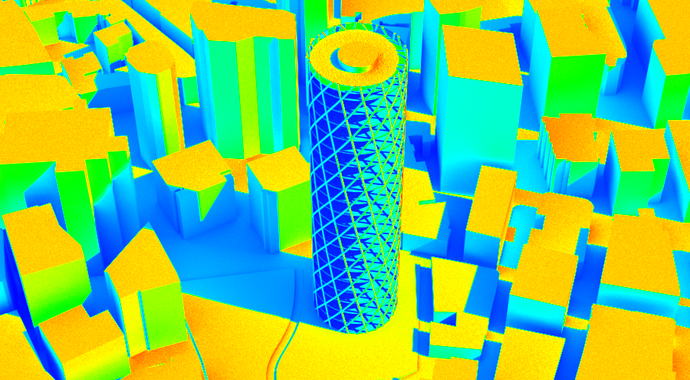
The new Lighting Analysis render element makes it easy to visualize the real-world illumination (Lux) values of any scene.
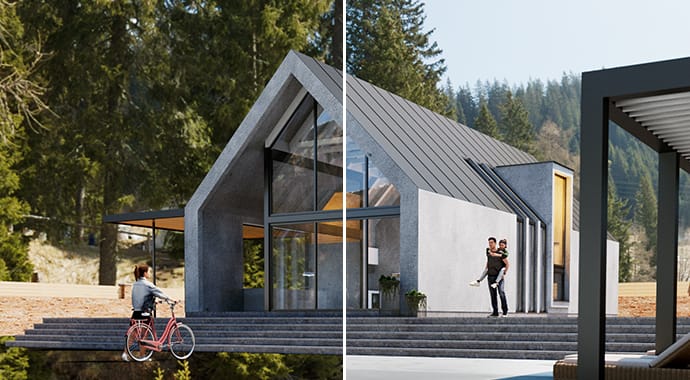
Set up the HDRI environment around your model with improved precision with this new V-Ray Dome light mode.
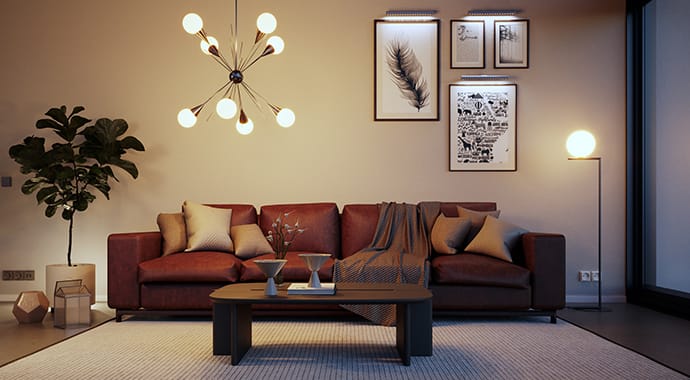
Explore the latest optimized light fixture assets in Chaos Cosmos, designed using V-Ray Luminaires technology. Much easier to sample and render at faster speeds.
-690x380.jpg?1759736787)
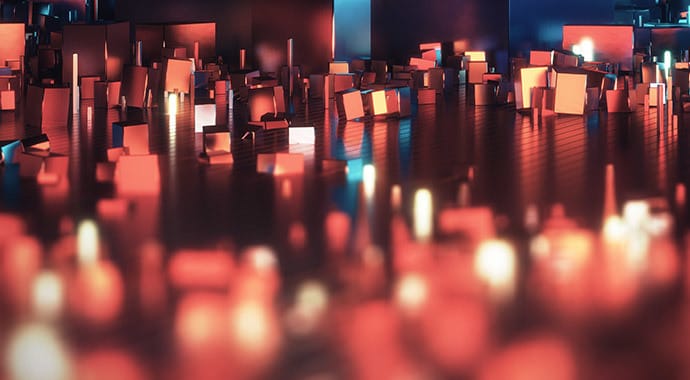
Create realistic night skies with ease. The new Night Sky in V-Ray Sun & Sky simulates the moon, stars, and Milky Way by location, date, and time—with full control over intensity, position, and phases.
 © LAB Visualizacion
Work like a photographer, with controls for exposure, white balance, depth of field and more.
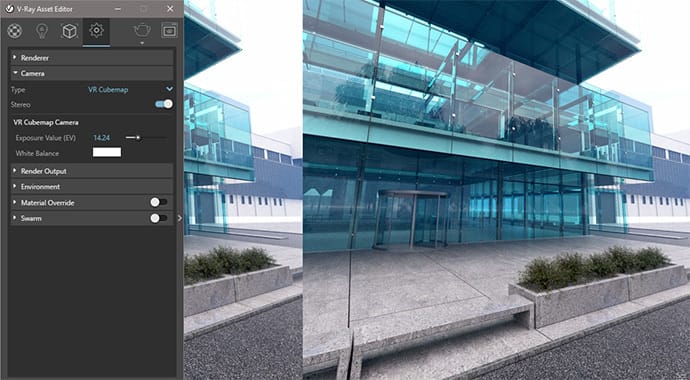
Render VR-ready content for popular virtual reality headsets with the help of the VR Camera types in Stereo mode.
 © Anh Vu Nguyen
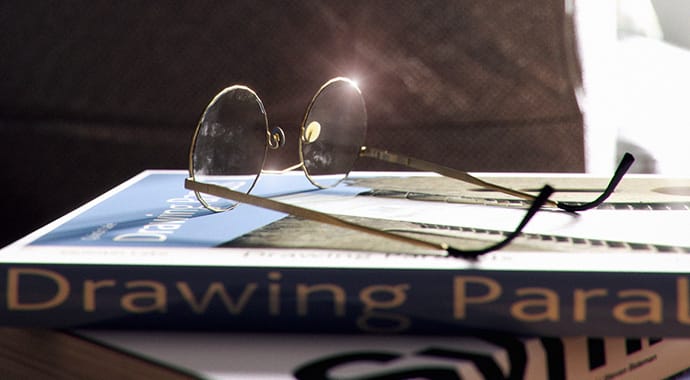
Instantly add GPU-accelerated glare, bloom and procedurally generated dust and scratches for added photorealism. Fine-tune lens effects interactively while you render. And even after rendering.
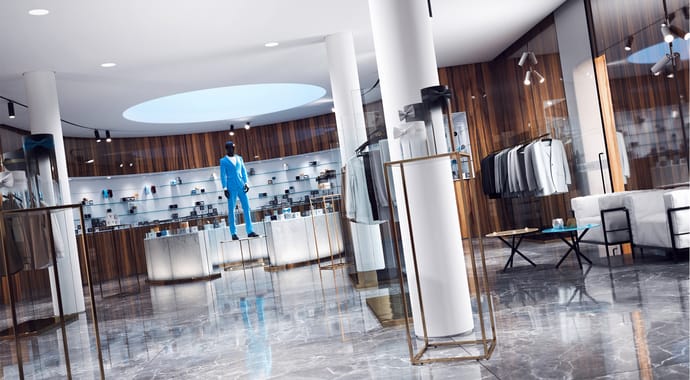
Capture the perfect exposure every time. The new Auto Exposure and Auto White Balance camera controls make rendering as simple as point and shoot.
-690x380.jpg?1759736797)
Achieve professional renders with V-Ray Exposure’s Whites, Blacks, Highlights, and Shadows sliders—fine-tune tonal ranges to enhance contrast, recover shadows, and preserve highlights with ease.
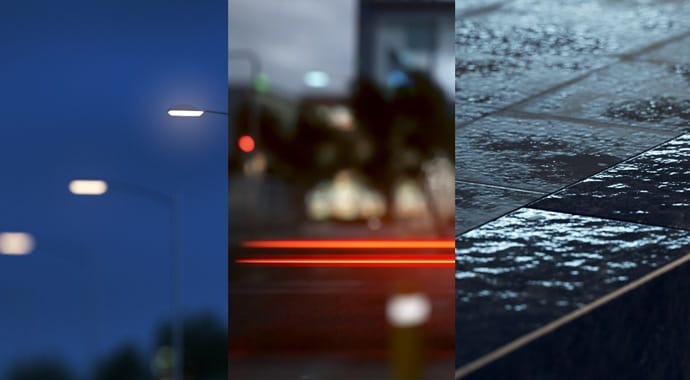
Create realistic and unique shaders using any texture map or one of V-Ray’s many built-in procedural textures - Gradient, Temperature, Tri-Planar, etc.
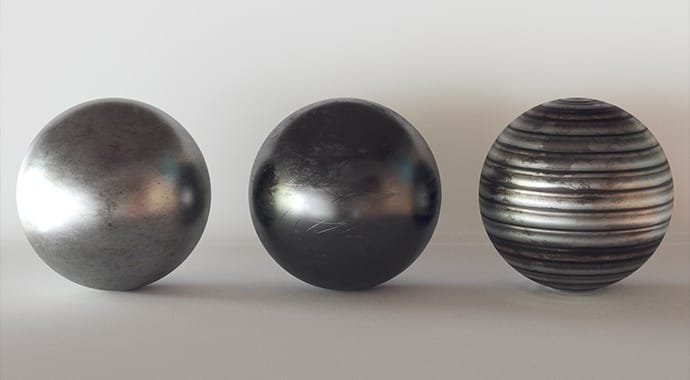
The V-Ray Material provides support for PBR shaders with the Metalness reflection controls.
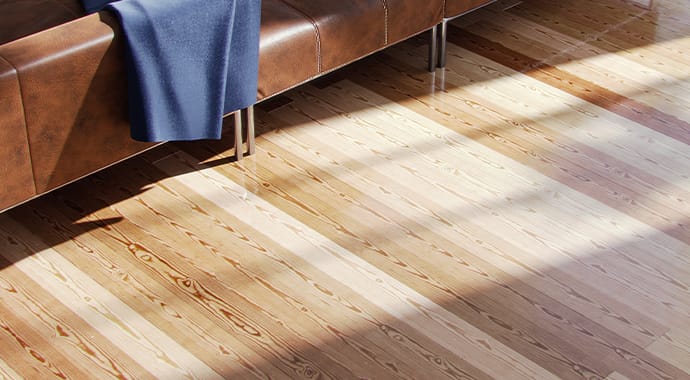
To create more realistic materials, we’ve added new tools that randomize textures and colors. The VRayUVWRandomizer lets you randomize texture coordinates and includes Stochastic Tiling that automatically fixes repeating textures.
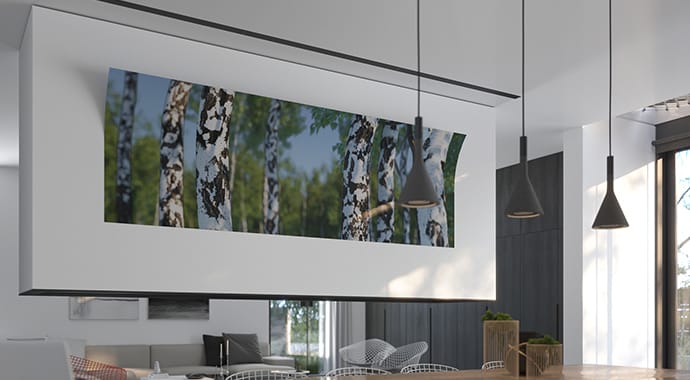
Project unique materials onto objects of any shape and create effects like graffiti on a wall, markings on a road, or logos on a product. Easily cover any curved surface, add displacement, or blend decal and surface bump for even more realistic results.
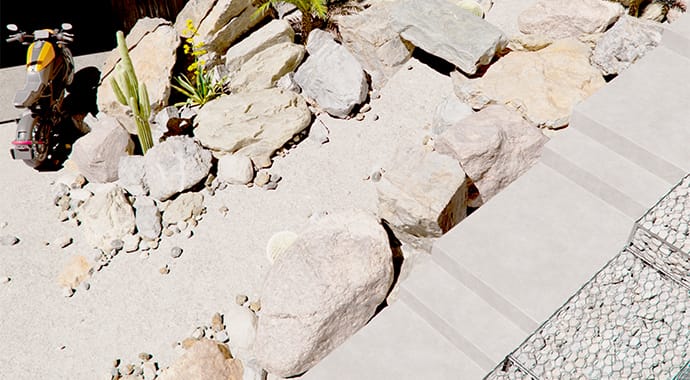
Vary effects such as displacement or procedural fur based on proximity to create a realistic correlation between the elements in your composition.
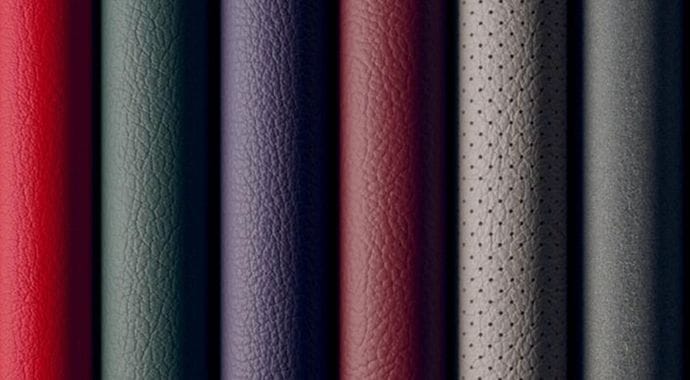
2500+ scanned materials. Import and render directly in V-Ray.
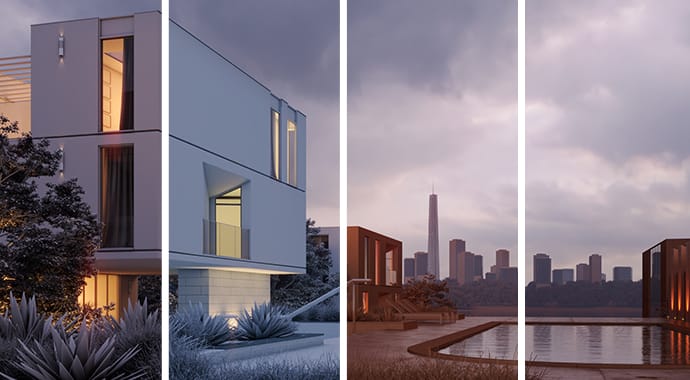
Take advantage of the new override material features, combined with stylized rendering presets for fast iterations over schematic or diagrammatic render styles.
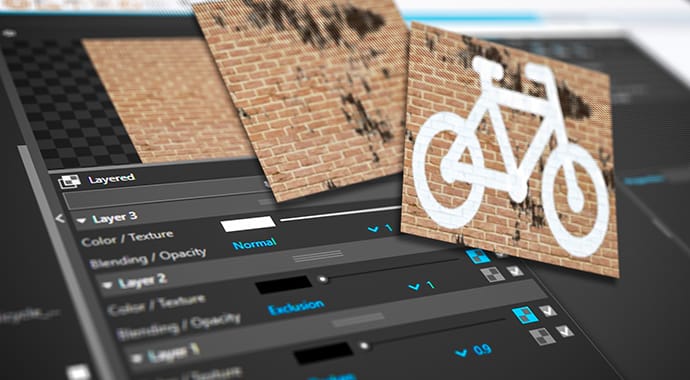
Create highly detailed textures with a powerful new layering system, similar to Photoshop’s. Stack and personalize each texture layer with complete control over opacity, blending modes, and more.
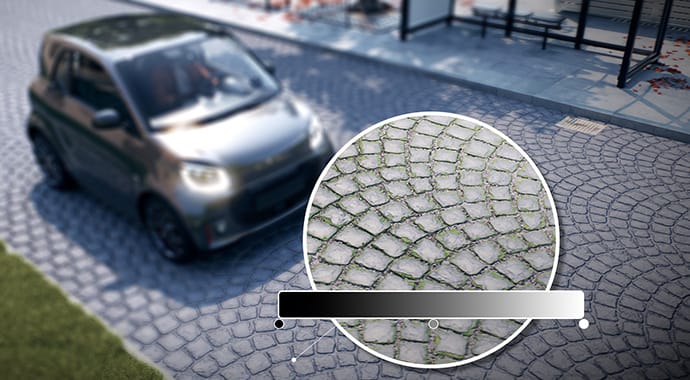
Enjoy advanced UV mapping capabilities, enabling precise texture manipulation and better control over color distribution. Perfect for detailed applications like pattern colorization, brick randomization, and custom wallpaper design.
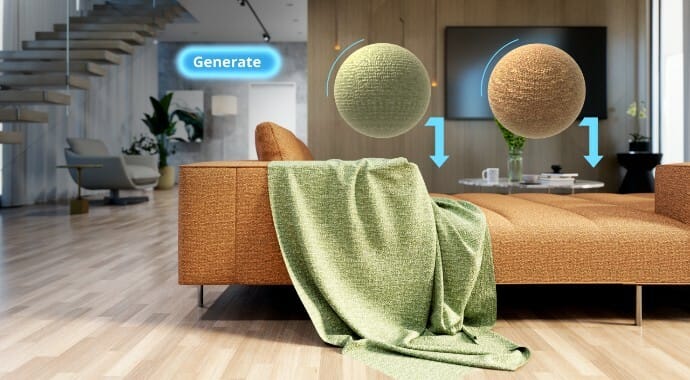
Upload a photo of a real-world surface and turn it into a render-ready PBR material with all necessary maps in just a few clicks.
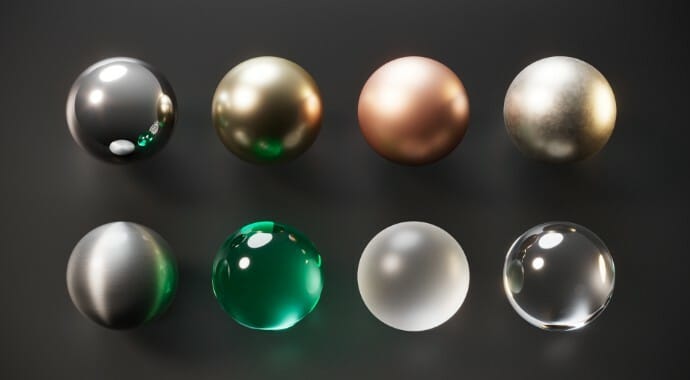
Jumpstart your workflow with built-in asset presets—apply proven configurations in one click for faster, better results.
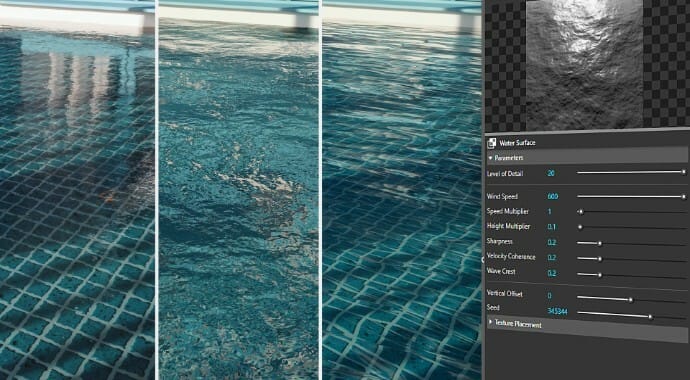
Create realistic water surfaces quickly with V-Ray’s procedural water texture - generate waves for bump or displacement in just a few clicks.
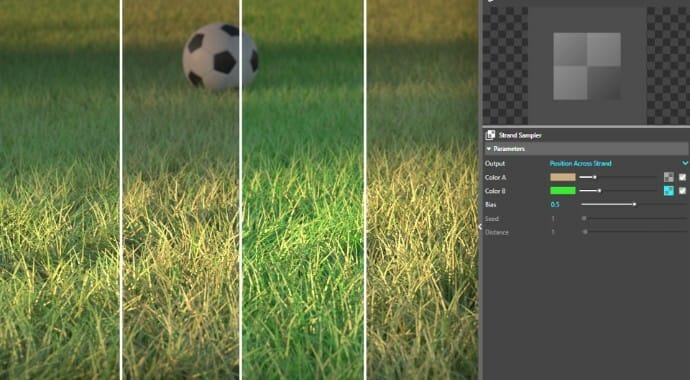
The new Strand Sampler map lets you shade fur, grass, or carpets with natural color variations.
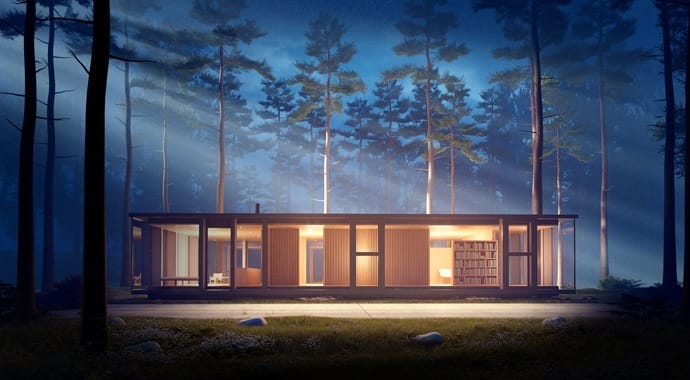
Quickly add realistic atmospheric depth and haze and use true 3D fog with realistic light scattering.
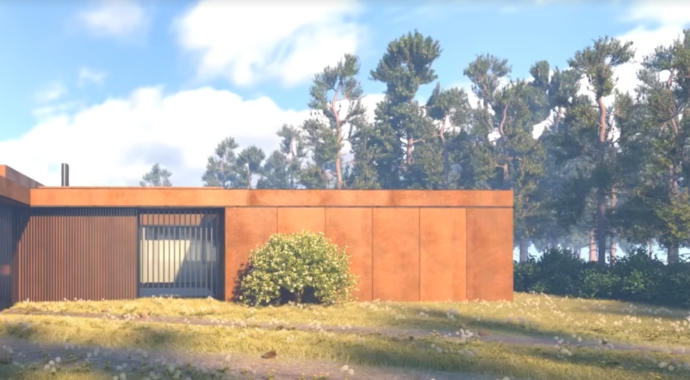
Simulate natural looking skies with realistic atmospheric depth.
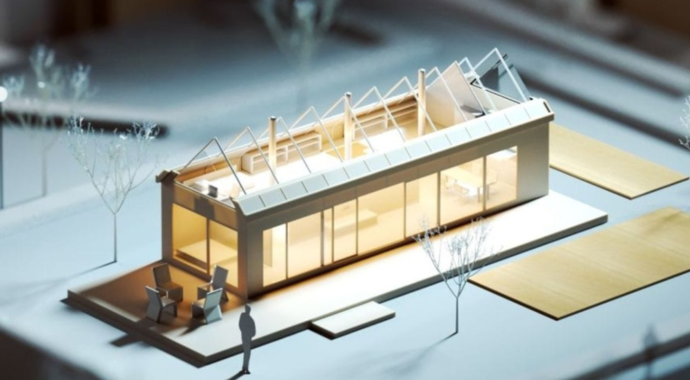
Realistic material light scattering and translucency.
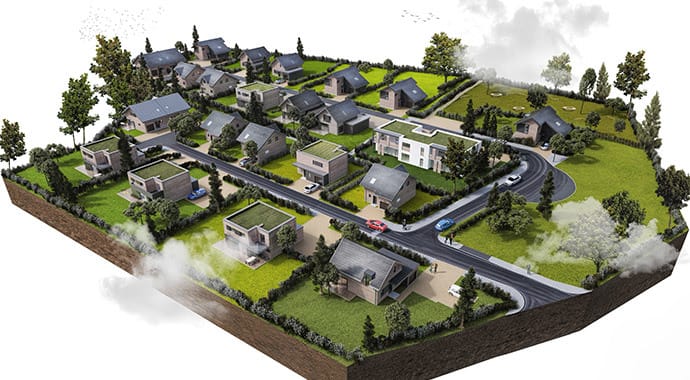 © Archilime
Bring more detail to your project with memory-efficient proxy models of complex objects like grass, trees, cars. Import and render V-Ray scenes (.vrscene) as references from other applications such as 3ds Max, Rhino, and Revit.
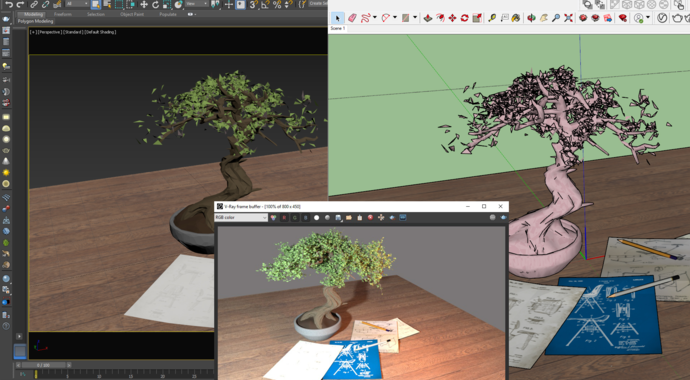
Import any .vrscene file directly as a SketchUp model with correctly sized and positioned objects, proper texture placement, lights and proxy references.
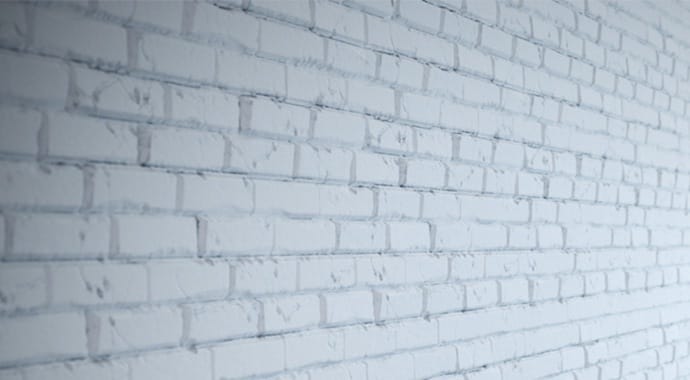
Quickly add surface detail without extra modeling with the optimized V-Ray displacement. The 2d Displacement mode is perfect for architectural materials like brick and stone.
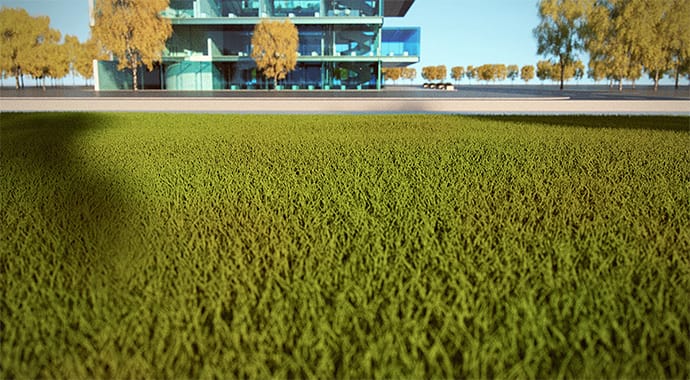
Create realistic grass, fabrics, and carpet with V-Ray Fur.
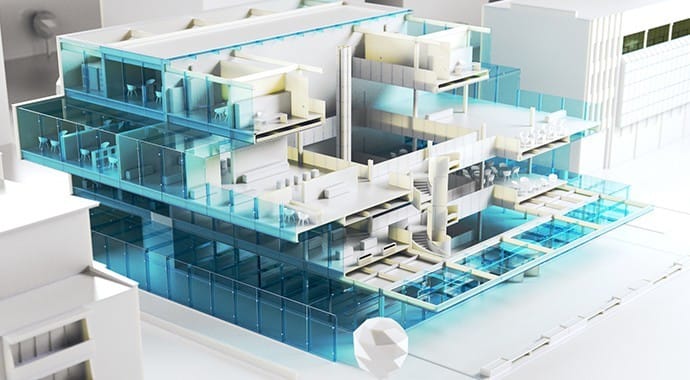
Easily create quick cutaways and section renders with V-Ray Clipper and animate them while respecting object visibility. Convert any scene object to a clipper.
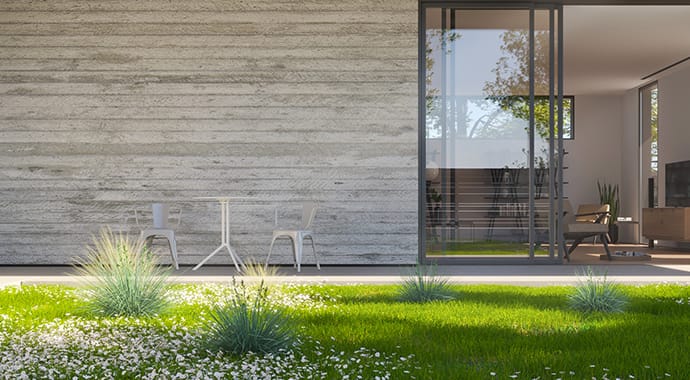
Effortlessly add grass, trees, rocks, and light sources to your scenes with just a few clicks. You can scatter across grids, curves, and volumes. And, you can limit scatter areas using area modifiers.
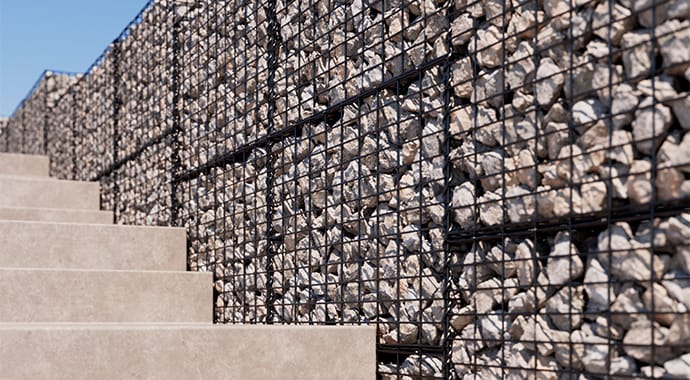
Render repeating geometry over object surfaces to create complex geometric forms — perfect for panels, fences, fabrics, and more.
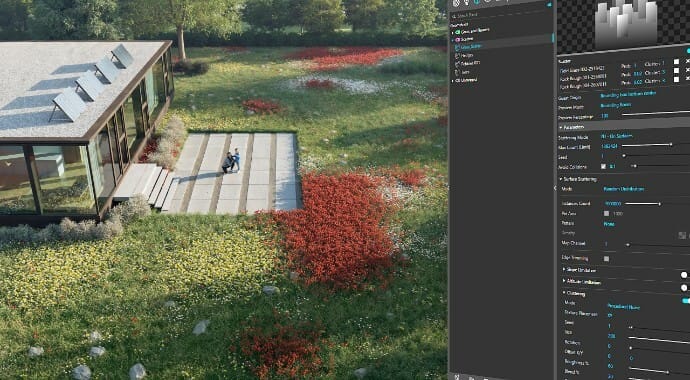
Achieve the perfect look faster with powerful scattering controls—offering clustering, altitude limits, focal-point orientation, built-in distribution maps, Scatter Color textures, and more.
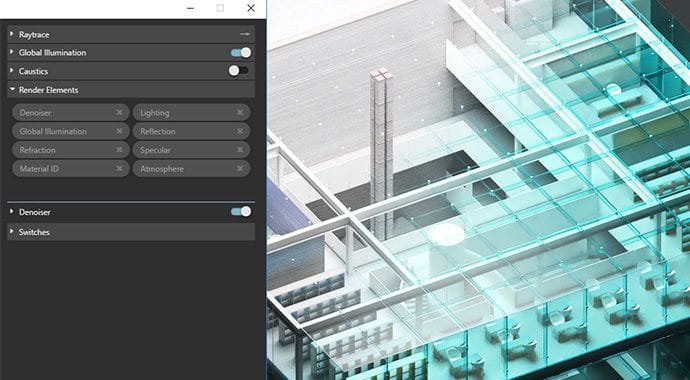
Choose from many unique beauty, utility and matte passes to give you more control over your rendered images in compositing.
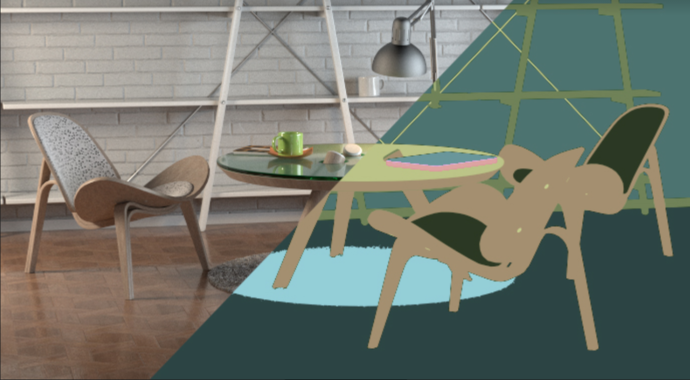
Аutomatically generates and stores object- or material-based masks. It’s perfect when you need to accurately select objects in post-production.
