
Chaos

What are you looking for?

20% off Enscape, V-Ray & Corona. Get early access to the best deal of the year now!
Claim offer
icon-frame-white-megaphone.svg

Update 1 brings the much-requested Cycles-to-V-Ray Material Converter, Geometry Nodes support, and more.

v-ray-blender-up-1-header-1920x600.jpg

V-Ray for Blender, update 1

Explore what’s new in this release
Try freeBuy now

Feels right at home in Blender


Effortlessly bring your existing libraries into V-Ray with the new Cycles-to-V-Ray Material Converter, and keep using the procedural workflows you love with Geometry Nodes support. Create your most realistic renders yet with 3,100+ scanned materials in Cosmos, enjoy OpenPBR shading consistency, support for Blender 4.5, and more.  

Built to blend with your workflow

V-Ray is now even more seamlessly integrated into Blender, with automatic Cycles to V-Ray material conversion and support for out-of-the-box rendering of Geometry Node setups.
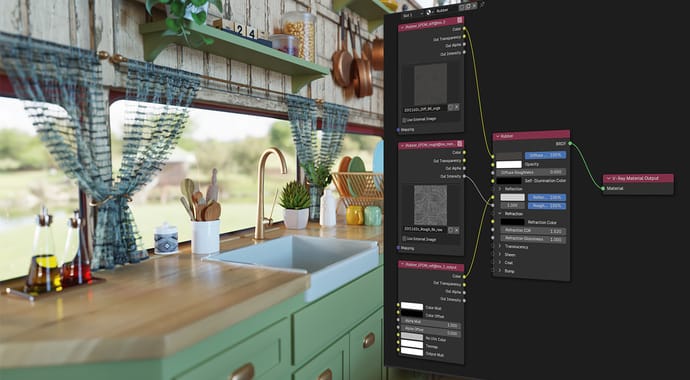
v-ray-blender-up-1-material-convertor-1410x800.jpg
Cycles-to-V-Ray Material Converter

Now you can not only render essential* Cycles materials, but also effortlessly translate them to V-Ray. Keep using the libraries you’ve spent so much time building in your V-Ray projects, without interrupting your work or wasting time rebuilding materials from scratch.
See the full list of currently supported materials here >

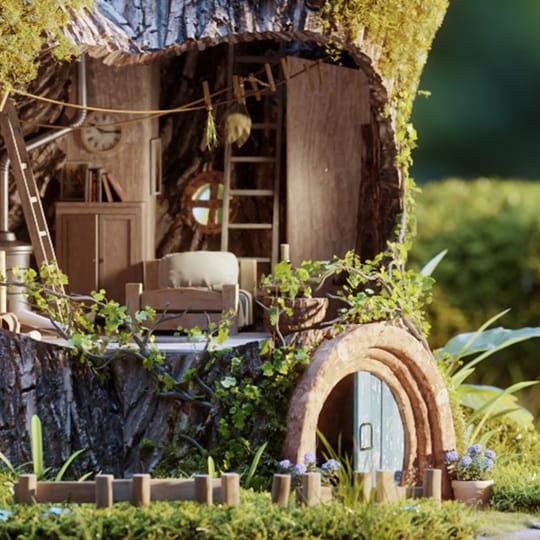
v-ray-blender-up-1-nodes-support-1410x800.jpg
Blender Geometry Nodes Compatibility

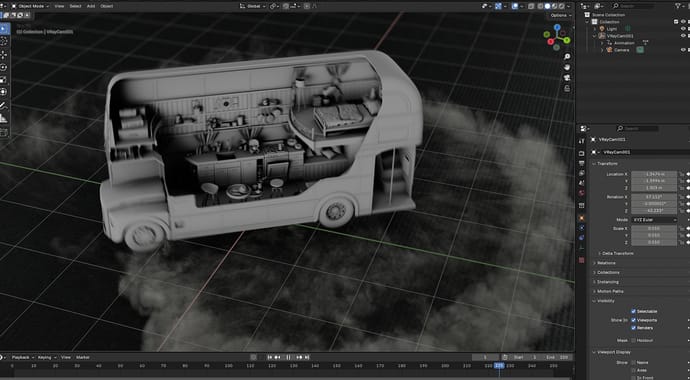
Maintain the procedural modeling workflows you love with support for rendering Blender’s Geometry Nodes setups. Use complex parametric and procedural geometry, like environment scattering and parametric surfaces, directly in V-Ray without baking or conversion, keeping projects lightweight and flexible throughout production.

blender-feature-geometry-1410x800.jpg
Support for Blender 4.5

You can now render with V-Ray using Blender’s latest long-term support version, Blender 4.5.

Ultra-real materials, consistent results

Create your most realistic renders yet, with materials that stay consistent across tools and pipelines.
blender-feature-Materials-1410x800.jpg
Ultra-realistic, scanned materials

With support for our Chaos Scans real-world scanned material library, you now get access to over 3,100 new ultra-realistic materials, including metal, leather, paper, plastic, rubber, and more. Available through the Cosmos browser, these materials are easy to find, preview, and use in your scenes. Explore the materials in Cosmos and use them to create your most realistic work yet.

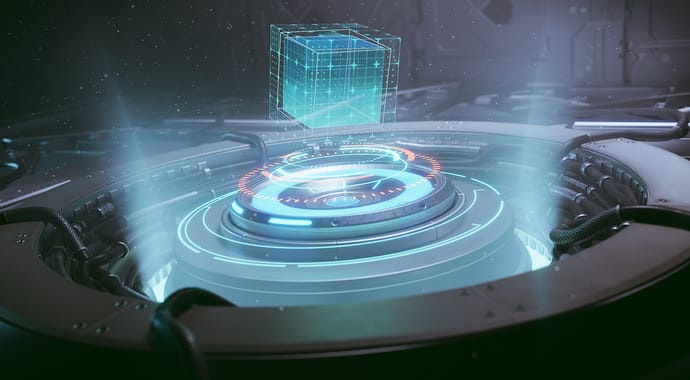
feature-openPBR-705x490.jpg
OpenPBR support

Achieve consistent shading results across applications with the OpenPBR standard. The new OpenPBR mode in the V-Ray Material introduces this shading model to your workflow, boosting production efficiency by reducing the need for manual adjustments when moving between compatible renderers and applications.

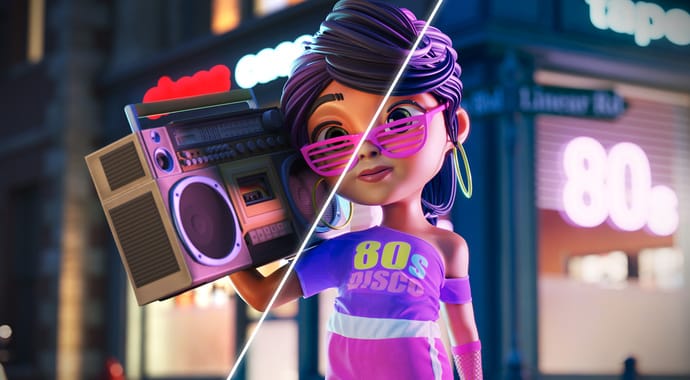
v-ray-blender-up-1-new-ui-1410x800.jpg
Enhanced V-Ray Material UI

The user interface of the V-Ray Material rollout has been redesigned for a more intuitive and streamlined material creation experience.

For the full list of improvements, check out our documentation page >

On the roadmap: Chaos Cosmos will grow to include over 30,000 high-poly and 14,000 low-poly assets, along with an AI Material Generator. Read more on what’s coming here >

Get your free 30 day trial.

Fully functional. Technical support included.
Chaos
© 2025 Chaos Software EOOD. All Rights reserved. Chaos®, V-Ray® and Phoenix FD® are registered trademarks of Chaos Software EOOD in Bulgaria and/or other countries.