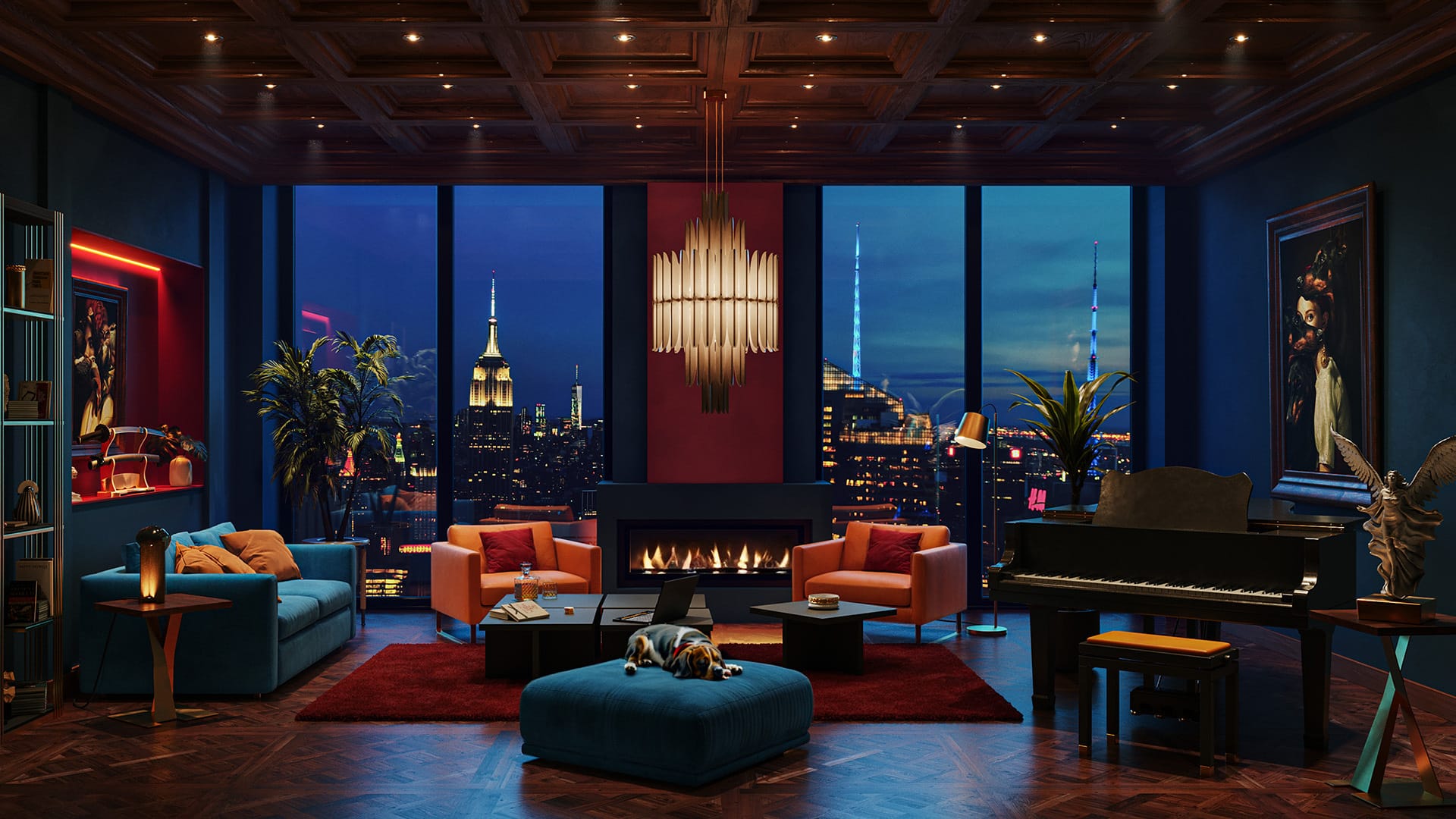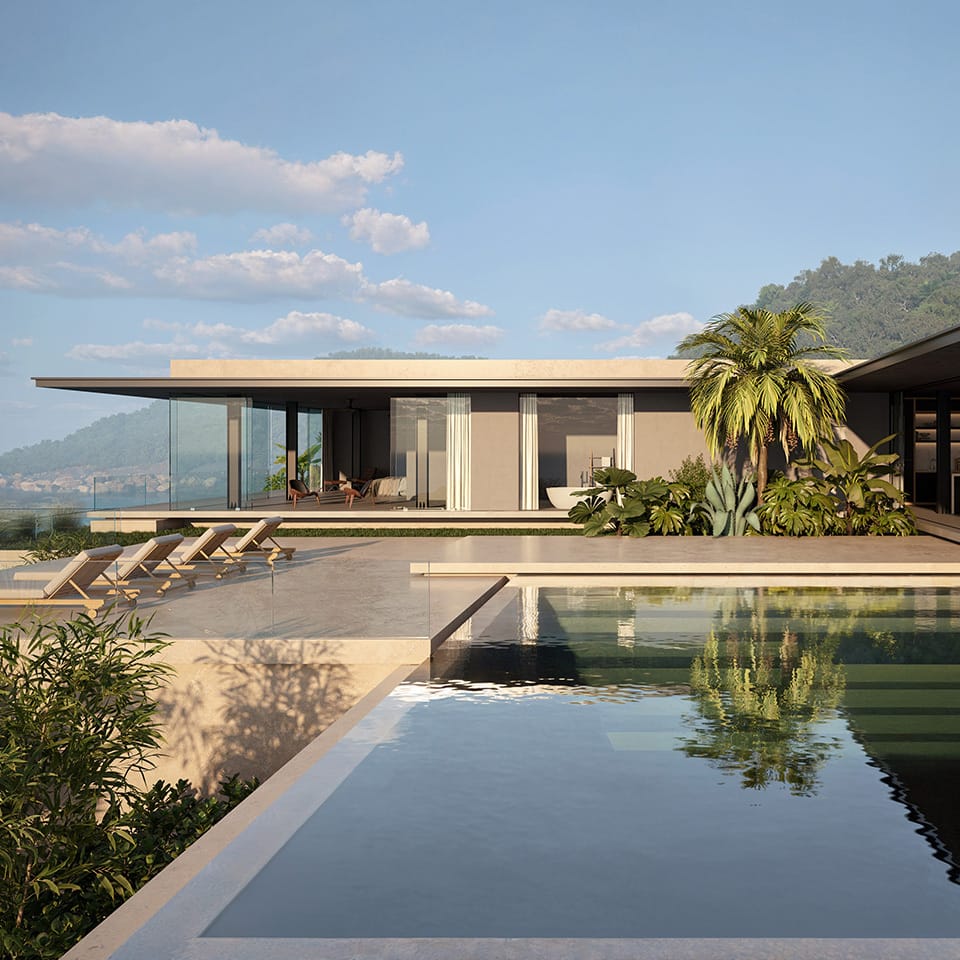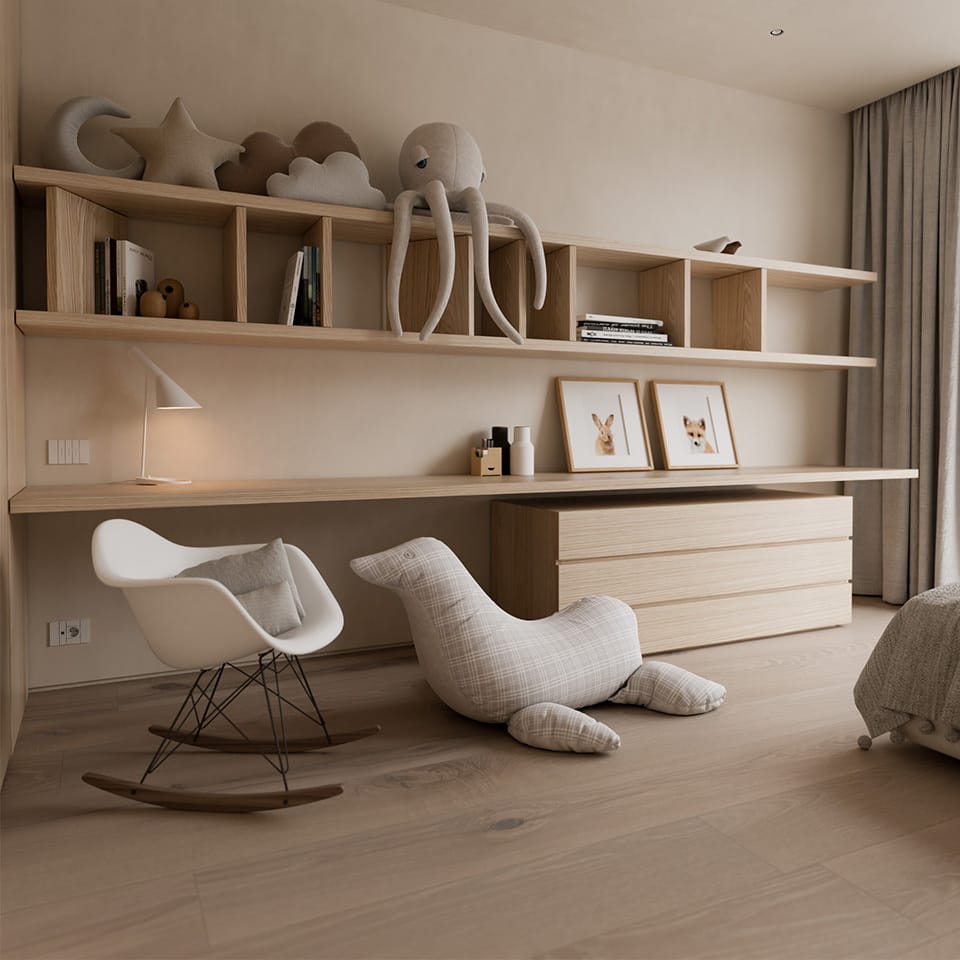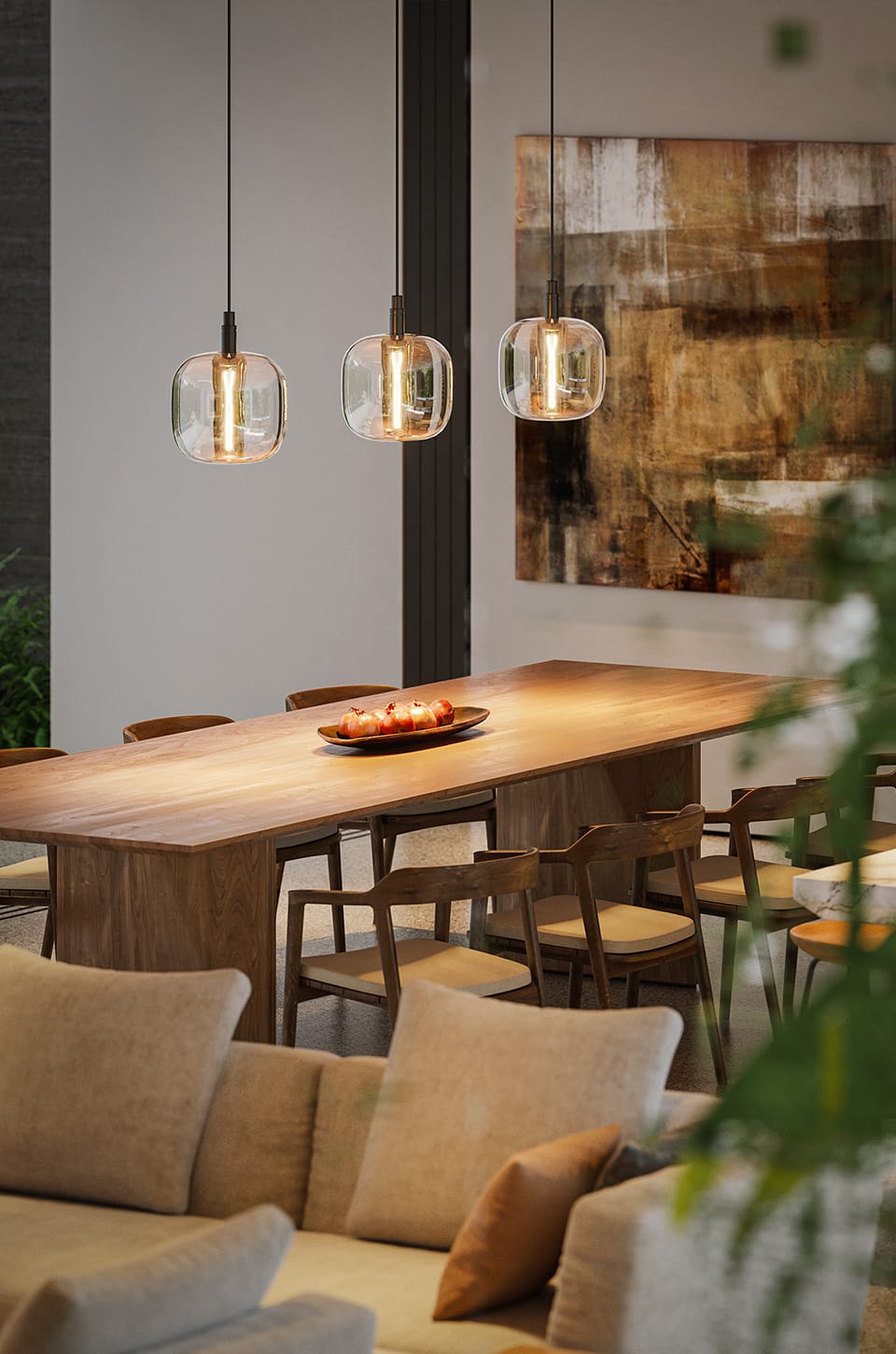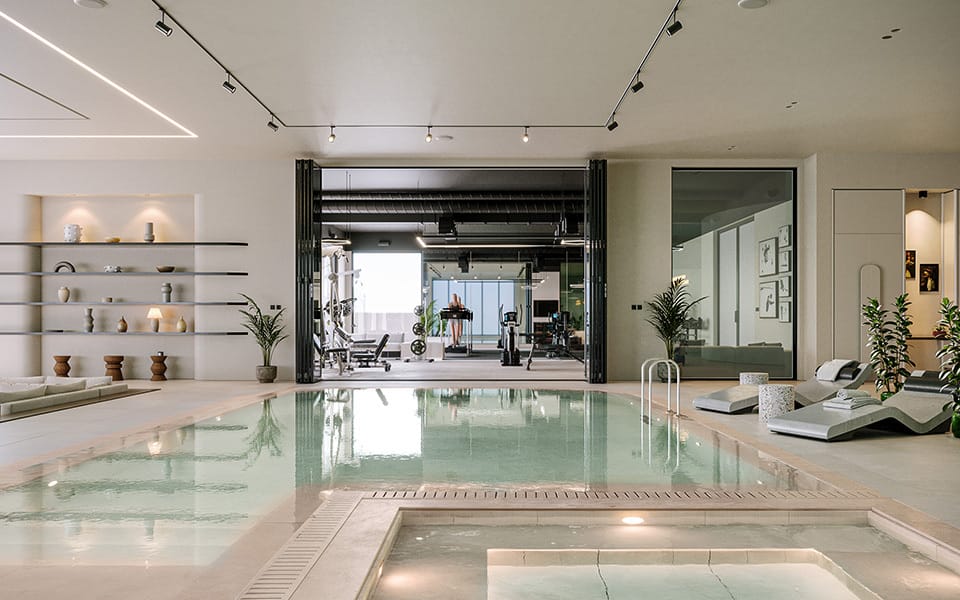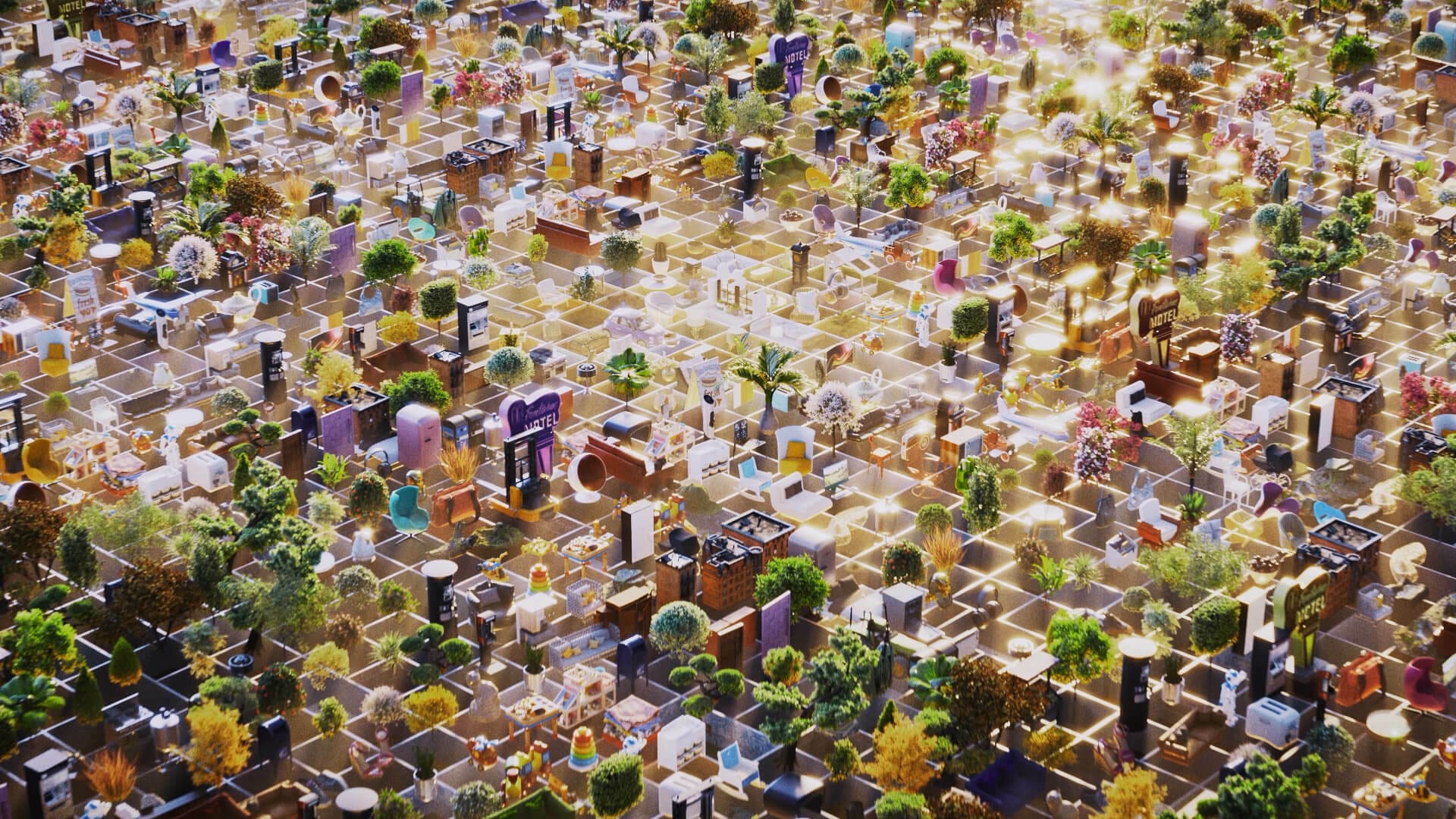

Explore an expanding universe of render-ready content.


Hand-picked assets built for visualization, so you get the right detail where it counts.

Render-ready content lets you stage designs in minutes, saving setup time.

Place assets directly into your project from the Cosmos Browser with no extra steps.
| Asset type | Available now* | Coming in December 2025** | Coming in 2026** |
|---|---|---|---|
| Real-time optimized | 6,000+ | 1,500+ | 14,000+ |
| High-quality | 15,000+ | 5,000+ | 30,000+ |

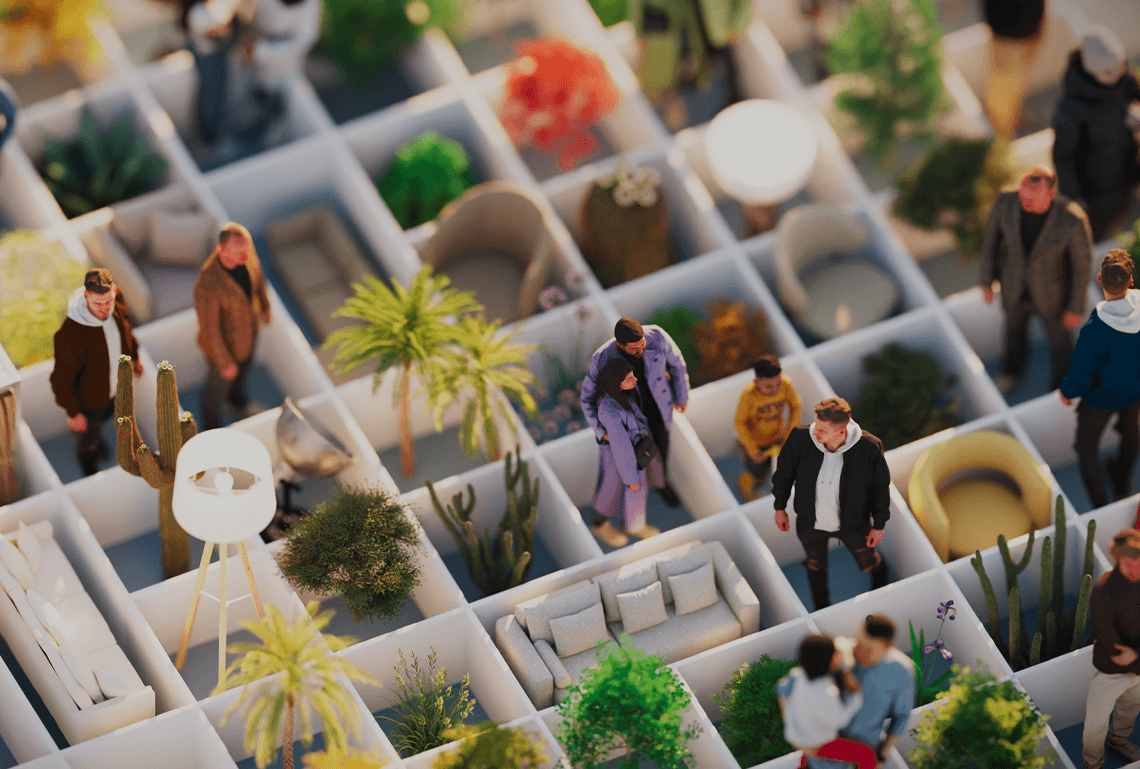
Trees, shrubs, and plants add natural context and realism to your scenes.
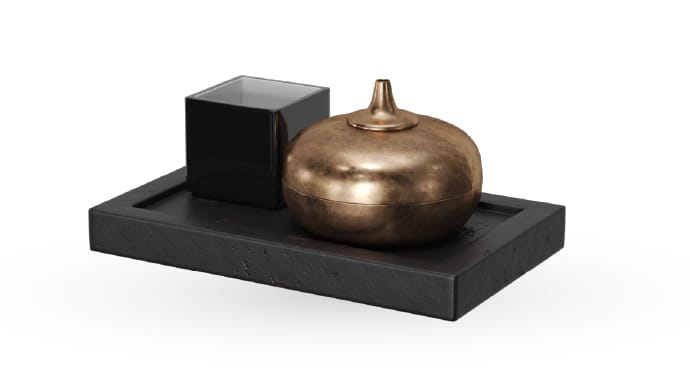
Small details and décor that bring depth, personality, and storytelling to designs.
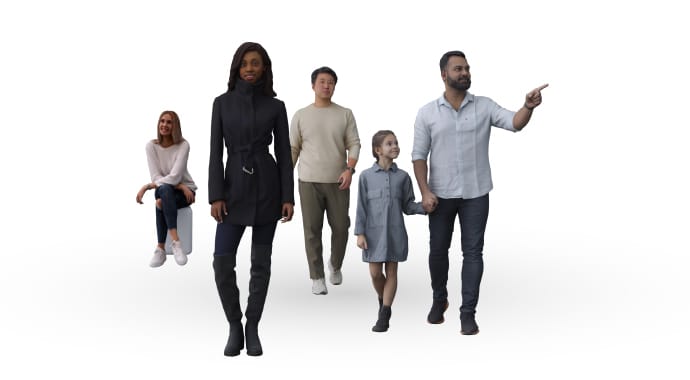
Diverse characters to convey scale, activity, and a lived-in atmosphere.
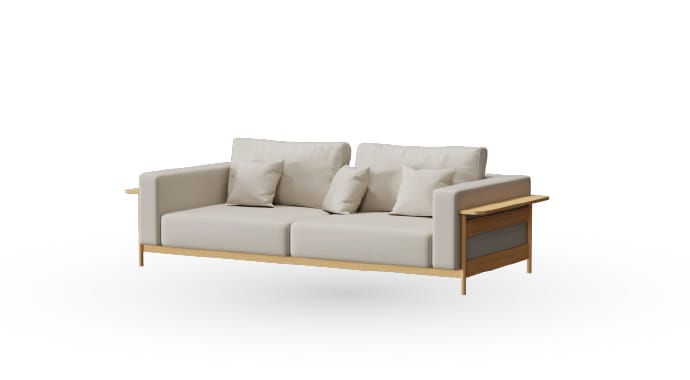
Essential pieces for interiors and exteriors to define spaces quickly.

Real-time optimized assets to add scale and context during the design stage.

High-quality assets for photoreal rendering and impactful visualizations.

High-quality assets for easy, intuitive, and realistic architectural visualizations.

High-quality assets for exploring large scenes in real- time with full detail.

High-quality assets for immersive storytelling and presentations.
Chaos Cosmos is built right into V-Ray, Corona, Enscape, Vantage, and Envision. Just open the Cosmos Browser from within your product to explore the library. You can browse by category, use filters, or search by characteristics like object type, color, or publisher. Once you find the asset you need, download and place it directly into your scene.
For step-by-step instructions, visit the Cosmos documentation.
Cosmos is included with:
Cosmos assets automatically adapt to the product you’re using:
Yes. Due to technical & licensing constraints, exact asset counts may vary depending on your Chaos product and Chaos Suite tier (Solo, Premium, or Collection). To view the current asset count for your configuration, please open the Chaos Cosmos Browser within your application and log in to your Chaos account.
Here is an overview of the asset distribution as of September 15, 2025*:
Architectural Design
Enscape Solo – 5,006
Enscape Premium – 5,508
Enscape Collection – 6,011
Envision Solo – 9,424
Envision Collection – 12,248
Architectural Visualization
V-Ray/Corona Solo – 11,824
V-Ray/Corona Premium – 13,236
ArchViz Collection – 14,648
Media & Entertainment
V-Ray Solo – 11,824
V-Ray Premium – 13,236
M&E Collection – 14,648
Note: Exact numbers may slightly vary over time as assets are updated or optimized.
Yes. You can explore Chaos Cosmos through the trial of any Chaos product. Please note that trials only include access to the core library per product — newly added assets are not available in trial versions.
Any scenes you create using the assets under the terms of the Chaos EULA are your own and can be used in commercial and advertising projects. However, you cannot provide Chaos assets to third parties in a non-processed form (i.e., as they are in their original form in the Cosmos library), which is why there is a clear prohibition in the Chaos EULA about the distributorship.